
Creating and Using Brands
Apply your identity system — marks, colour and type — consistently across outputs.
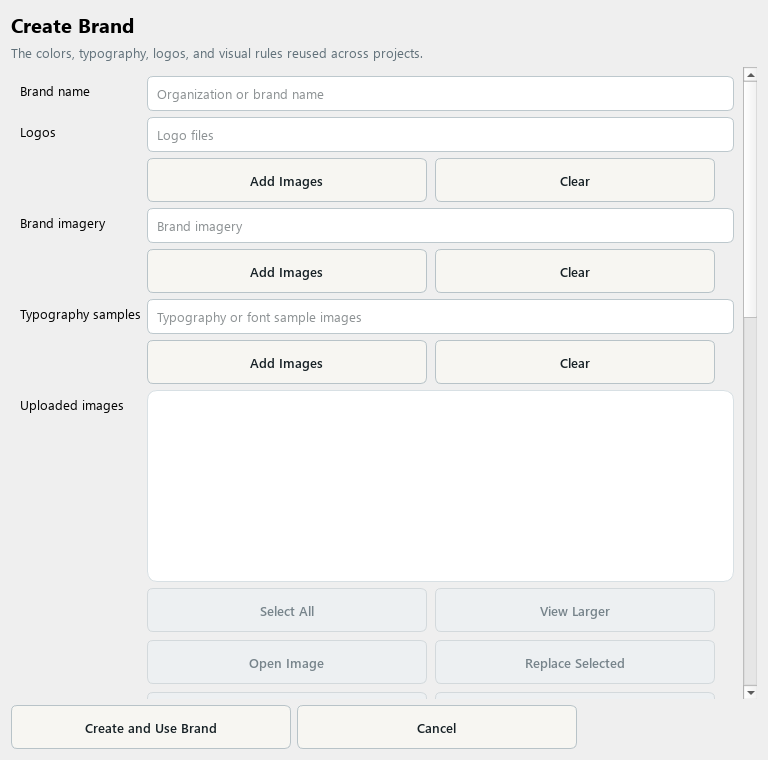
A Brand collects the identity rules and assets reused across projects.
1. Create a Brand
Open Library, choose Brand, and create a new item. Enter the organization or brand name.
2. Add identity assets
Add logo files and relevant brand imagery. Keep the intended logo treatment distinct from general visual inspiration.
3. Set color and typography
Review the palette and typography controls. Add font-sample images when useful and specify the actual type choices and visual rules you want to reuse.
4. Review before saving
Check the selected files, color choices, and written instructions. Remove examples that contradict the intended identity.
5. Apply and inspect
Save the Brand and choose it for a project or preset. Review exported pages for logo placement, color consistency, and readable typography.
Check your result
The Brand contains the correct assets and clear rules, and the resulting output has been visually reviewed.