
Exporting and Handoff
Export a reviewable package — PDF, numbered images, captions, manifest and ZIP.
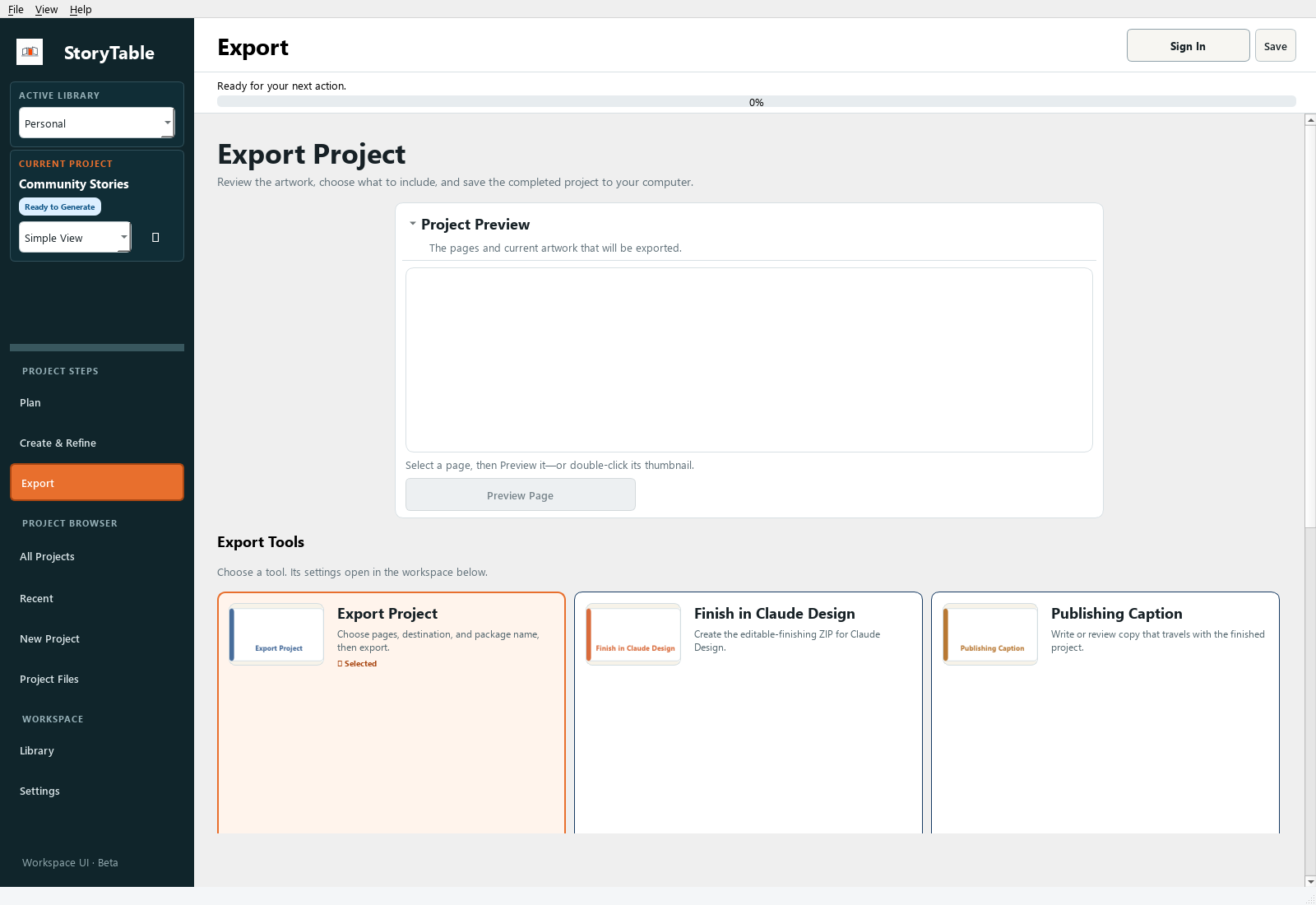
Create a reviewable package and check it before handing the project to someone else.
1. Preview the project
Open Export and use Project Preview or Preview Page. Check page order, text, artwork, and any material that should not be included.
2. Choose the export tool
Use Export Project for the standard handoff. Other Export Tools include Publishing Caption, Export Project Assets, and Finish in Claude Design when those fit your workflow.
3. Set scope and destination
In Export Settings, review Export scope, Save location, and Package name. Use Browse to choose a destination you can easily locate.
4. Export
Choose Export Project and wait for completion. The available package can include a PowerPoint reference, PDF, images, captions, CSV, ZIP, and an offline HTML preview, depending on the output and export choices.
5. Inspect the delivered files
Open the exported files outside StoryTable. Confirm images and text are readable and the expected pages are included. Share the relevant finished files with a short note explaining what the recipient should review.
Check your result
The package opens successfully outside the app and contains the intended final scope.