
Generating Your First Draft
Turn an approved plan into a finished first draft.
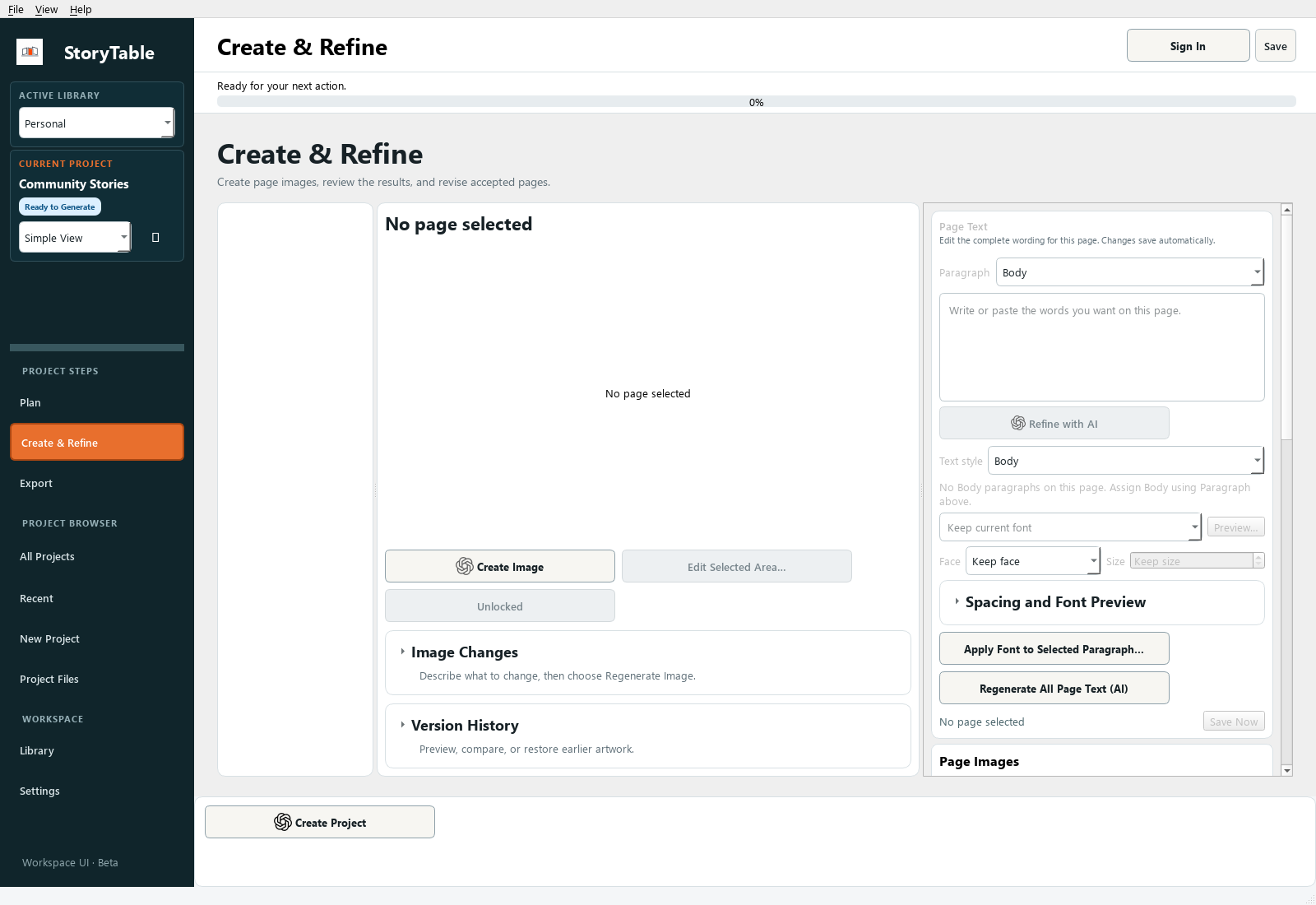
Turn a reviewed plan into a draft, then inspect the result page by page.
1. Review the plan first
Confirm the source instructions, output, visual style, writing style, and page outline in Plan. Generation uses those decisions.
2. Open Create & Refine
Choose Create & Refine in the left navigation. Use Create Project when the project is ready, and review any generation choices or confirmations shown by the app.
3. Inspect every page
Select pages in the page list. Read the text and inspect the artwork together. Check facts, names, legibility, composition, and whether each page fulfills its planned purpose.
4. Adjust selectively
Use the selected page’s text, art direction, and layout controls to address specific problems. Use Create Image or the available regeneration control for the intended page or selected set.
5. Save and preview
Use Save Now after your review. Open Preview… to assess the sequence before moving to Export. A first draft should be reviewed before it is shared.
Check your result
Every generated page has been reviewed, and remaining changes are specific enough to handle one page at a time.