
Preserving or Reimagining Your Images
Keep an original photograph as it is, or reimagine it as new illustrated work — page by page.
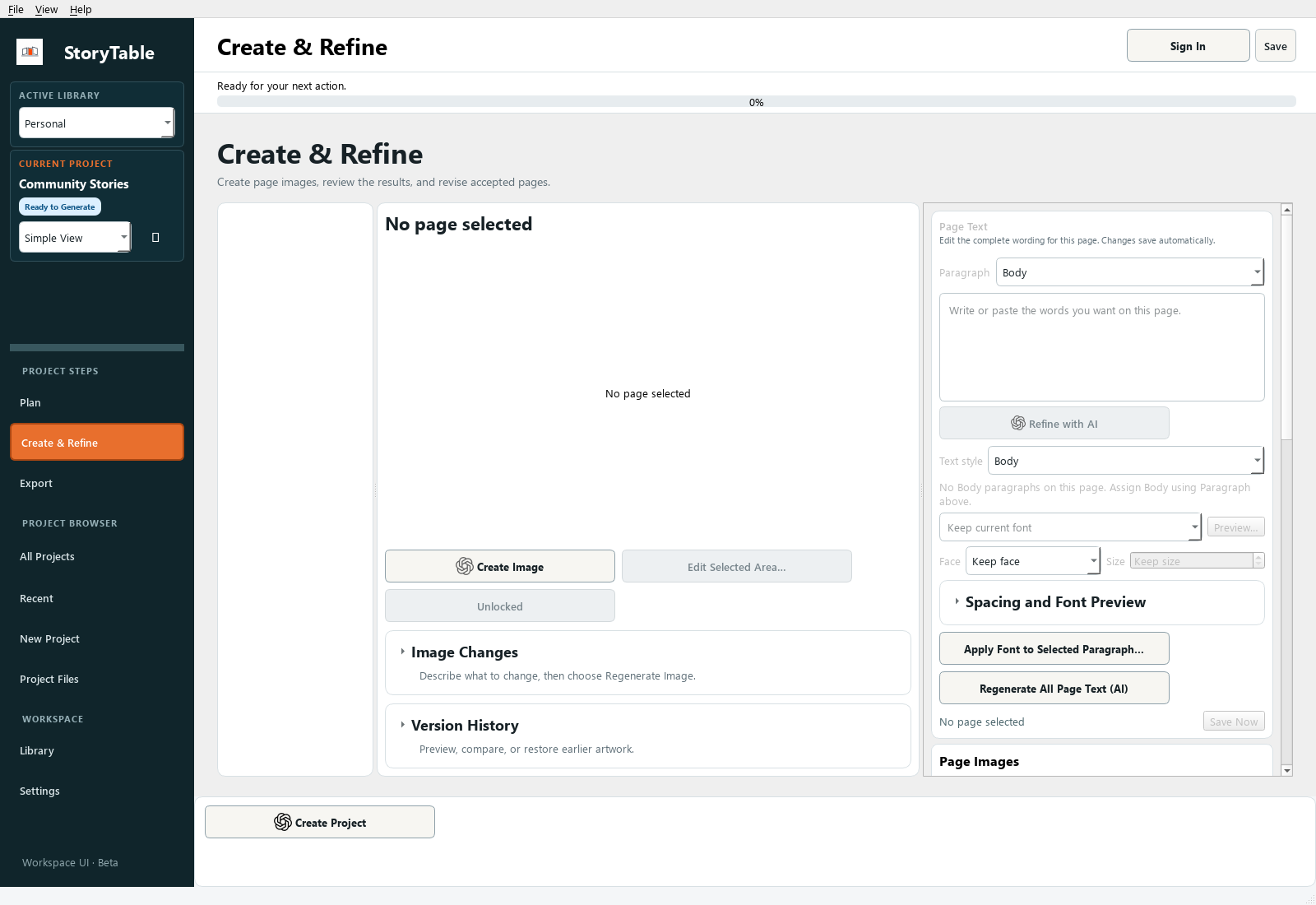
Decide deliberately whether a page should preserve a supplied image or use it as material for a new visual.
1. Select a page
In Create & Refine, choose the page that needs the image. Read its purpose and art direction first.
2. Add or choose an image
Use Add Images to This Page… for a local image, or Choose Project Images… to use material already available to the project.
3. Choose the intended treatment
Review the image-use options shown for the selected image. When the original photograph itself is the evidence, keep the original. When you want a new visual interpretation, explain the desired transformation and which identity or factual details must remain.
4. Generate only when needed
Creating a new image is a separate action from selecting an original. Review the chosen image treatment and page scope before running image generation.
5. Compare with the source
Check the finished page against the original. Look for altered details, unexpected cropping, or changes that undermine the page’s purpose. Keep the source available for comparison.
Check your result
The finished page makes intentional use of the source image, and any reimagining has been reviewed for accuracy.